Nov. 10, 2025
As smart devices move deeper into industrial, outdoor, and mission-critical environments, waterproof touchscreens have become essential for ensuring reliable operation in rain, moisture, high humidity, washing processes, and exposure to dust and chemicals. For companies seeking durable touch technology, Sihovision offers a range of industrial waterproof touch displays, designed for harsh conditions and continuous operation.
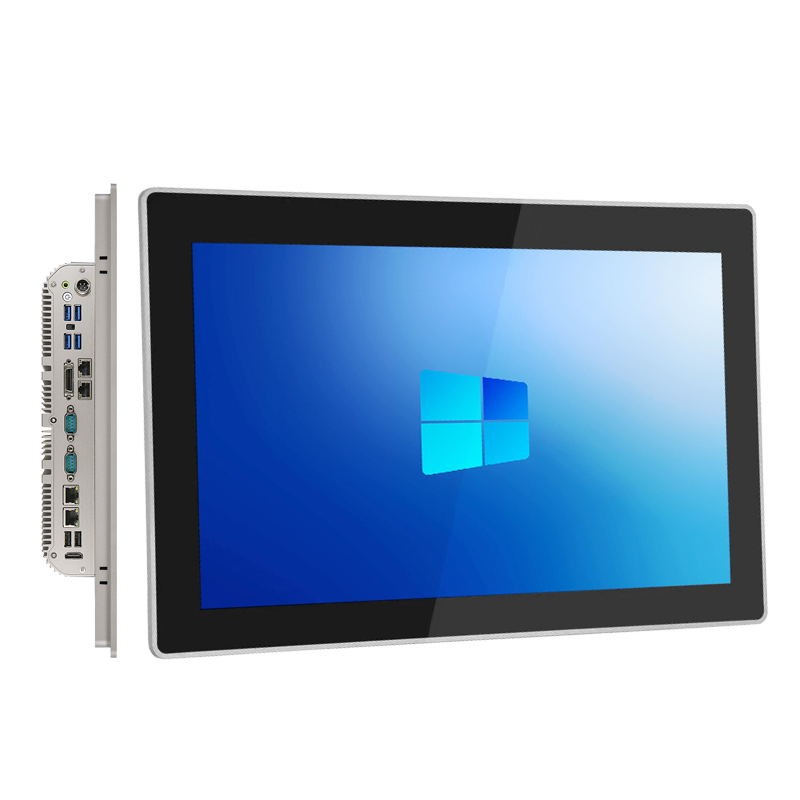
A waterproof touch screen is a display built with sealed structures—often meeting IP65, IP67, or IP68 standards—to prevent water, liquids, and contaminants from entering the device.
Instead of a standard panel, industrial waterproof touch screens use optical bonding, reinforced glass, and corrosion-resistant materials. These enhancements ensure stable touch performance in environments where splashes, rain, or high-pressure cleaning are common.
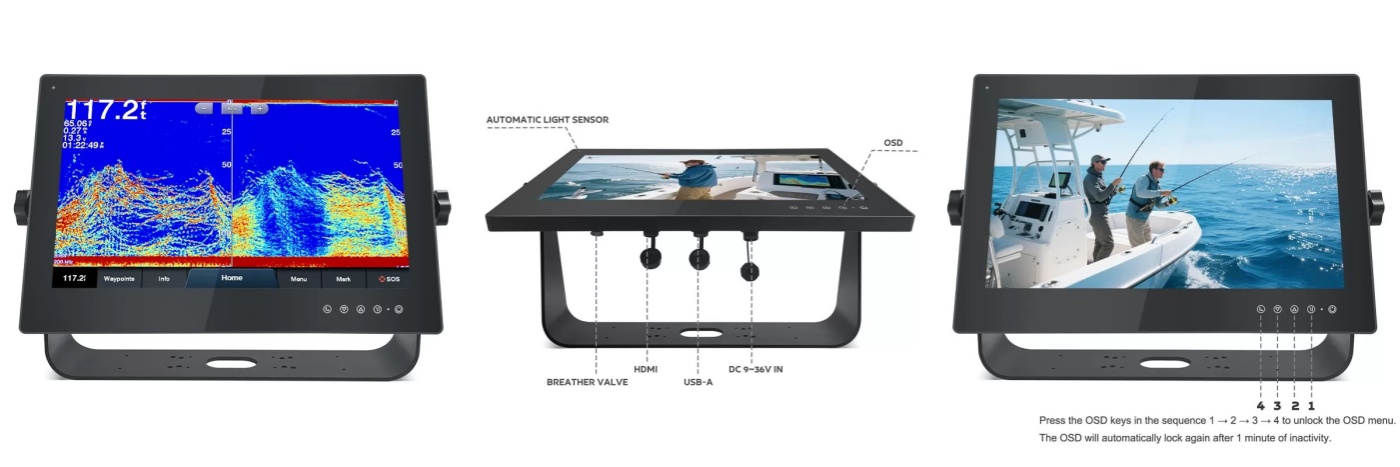
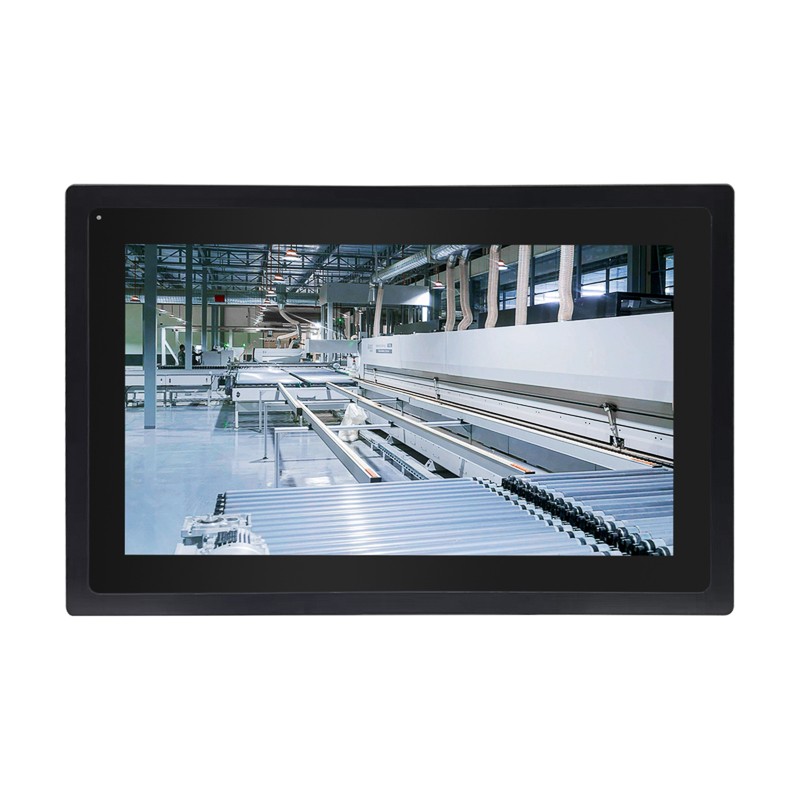
Sihovision’s product line includes several waterproof touch solutions — for example, our SC156W and SL700W monitors are rated IP67, meaning they are fully protected against dust and can survive immersion in water. For industrial users, waterproof touch screens provide dependable operation for food processing plants, outdoor kiosks, marine systems, manufacturing production lines, and smart agriculture.
PCAP panels—widely used in Sihovision products—offer:
● High precision touch even with light moisture
● Anti-false-touch algorithms
● Glove touch support
● Multi-touch gestures
However, heavy water droplets may temporarily affect sensitivity. To solve this, Sihovision integrates water rejection algorithms and industrial-grade chipsets that maintain stable operations even in humid, wet, or splash-heavy environments.
Resistive panels work by pressure.
Advantages:
● Can be used with gloves or a stylus
● Less affected by water than consumer-grade capacitive screens
But resistive screens are less sensitive, so most modern waterproof touch monitors now favor PCAP.
One of the fundamental design decisions in waterproof touchscreens is the choice between capacitive and resistive touch technology.
Resistive touchscreens rely on pressure. Two thin conductive layers separate slightly, and when you press the top layer, they make contact, registering a touch. Because of that, resistive screens tend to be more water- and dust-resistant, making them naturally suited for wet or harsh industrial environments.
Capacitive touchscreens detect touch via changes in an electrostatic field. This allows for multi-touch, very high responsiveness, and excellent optical clarity. However, water on a capacitive screen can distort the electric field, potentially causing false touches or degraded accuracy.
Thus, each technology has trade-offs: resistive may be more robust in very wet or dirty environments, while capacitive offers a more modern, fluid user experience when properly engineered for waterproof performance.
● Can resist light splashes
● Not suitable for high-pressure cleaning
● No full sealing
● Fully sealed using gaskets, adhesives, or aluminum housings
● Rated by IP standards (IP65 for the front panel, IP67 for full device protection)
● Designed for washing, rain exposure, marine environments, industrial liquids
● Front IP65 / Full IP67 protection options
● True flat front glass for easier sanitation
● Anti-fog, anti-condensation optical bonding
● Corrosion-resistant metal enclosures
These features ensure long-term reliability in demanding environments.
Yes—The panel is designed for it.
Sihovision supports:
● Thick glove touch
● Latex & nitrile gloves
● Industrial protective gloves
Glove-friendly touch is essential for:
● Cold-chain operations
● Outdoor maintenance
● Heavy industry
● Medical and laboratory settings
Food & beverage factories (frequent washing)
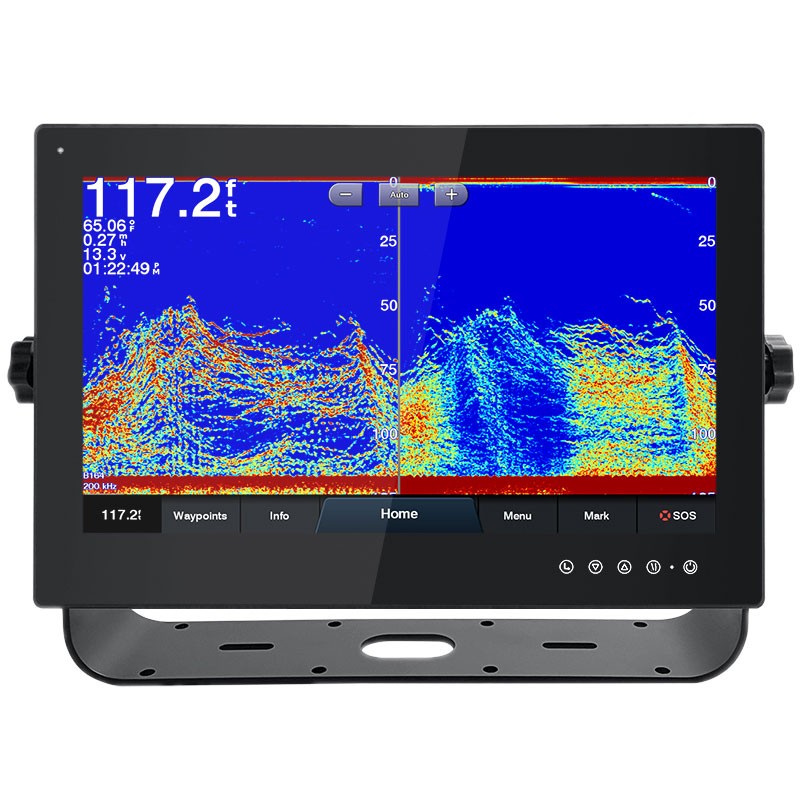
Marine control panels (saltwater exposure)
Outdoor kiosks and chargers (rain and UV resistance)
Smart farming equipment (dust + water)
Manufacturing automation
Logistics terminals & warehouses
Medical equipment and cleanrooms
In such settings, IP-rated touch monitors are critical for preventing environmental damage, ensuring long-term reliability, and minimizing downtime.
● IP rating (IP65 / IP67 / IP68): Defines solid and liquid ingress protection.
● Touch technology (PCAP vs Resistive): Choose based on gloves, precision, or usage scenario.
● Optical bonding: Prevents fogging and improves sunlight readability.
● Operating temperature: Outdoor or industrial equipment may need wide-temperature models.
● Housing material: Aluminum alloy and stainless steel provide better durability and corrosion resistance.
● Interface options: USB, HDMI, RS232, CAN, and industrial protocols depending on integration requirements. Sihovision provides custom configurations for OEM and industrial system integrators.
Sihovision’s industrial touch monitors are designed with real-world use in mind. Here’s why they stand out in waterproof and rugged applications:
● IP-Certified Protection: Many of our touch monitors (such as the SL300W and SL400W) meet IP67, giving you peace of mind in wet, dusty, or wash-down environments.
● Sunlight-Readable with High Brightness: Our displays can reach up to 1,000 nits, providing excellent visibility even under direct sunlight.
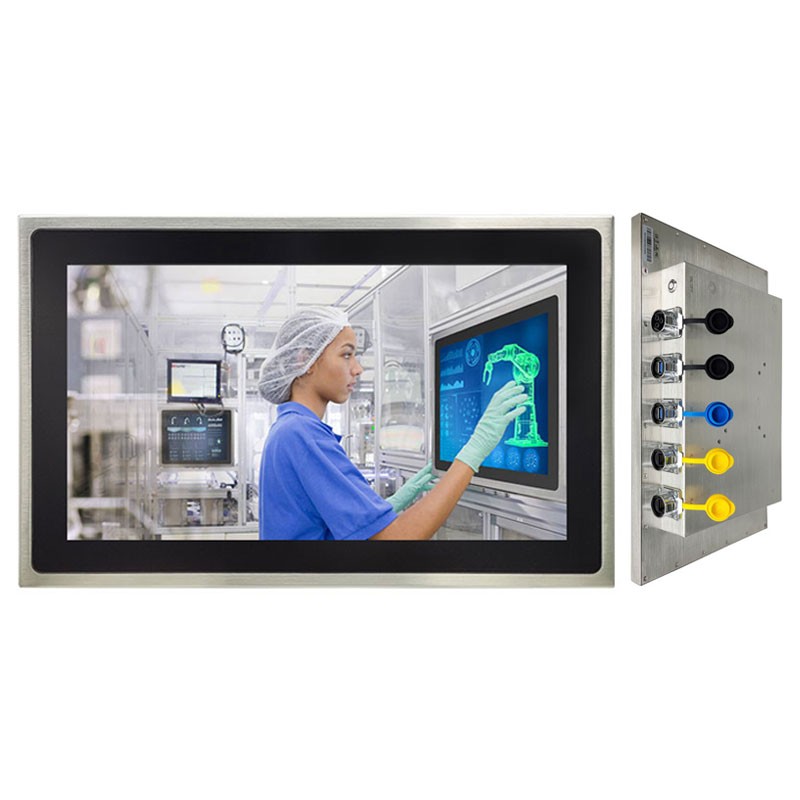
● Durable Construction: Stainless steel enclosures, robust tempered glass, and industrial-grade components are used in many Sihovision models to ensure ruggedness.
● Touch Technology Options: Depending on your use case, Sihovision offers resistive touch for environments with gloves, water, or dust, and capacitive touch for modern multi-touch interfaces.
For businesses implementing smart manufacturing or outdoor digital systems, Sihovision provides reliable, durable, and customizable waterproof touch display solutions.
To maximize the lifespan and performance of waterproof touch panels, here are some practical tips:
1. Choose the right touch type: For heavily wet or damp environments, resistive touch may be more reliable; for consumer-facing or multi-touch use, capacitive is often better.
2. Seal well: Ensure that the monitor housing is properly sealed (gaskets, IPS-rated design) to prevent water ingress.
3. Controller calibration: Use controllers with wet-finger tracking or water rejection algorithms so that accidental inputs from water don’t disrupt the user experience.
4. Regular maintenance: Even IP-rated screens benefit from periodic checks — clean surfaces, inspect seals, and ensure mounting is tight.
5. Test in real conditions: Before deploying widely, validate the touchscreen under real wet or humid conditions relevant to your application.
Waterproof touch screens are no longer a niche feature — they're a necessity in many industrial, outdoor, and mission-critical applications. As a specialist in rugged and industrial touch monitors, Sihovision delivers high-quality, IP-rated touch solutions built to perform reliably in wet, dusty, and challenging environments.
Whether you need a sunlight-readable IP67 capacitive display or a resistive touch panel for glove use, we have the expertise and product lineup to help. Learn more about our range of industrial waterproof touch monitors on our website: www.sihovision.com.
.png "Understanding Waterproof Touch Screens: A Practical Guide for Modern Industrial Applications")
Custom Industrial Panel PCs for Specialized Applications
Nov. 21, 2025
How Do Touchscreen Monitors Enhance Productivity?
Nov. 18, 2025
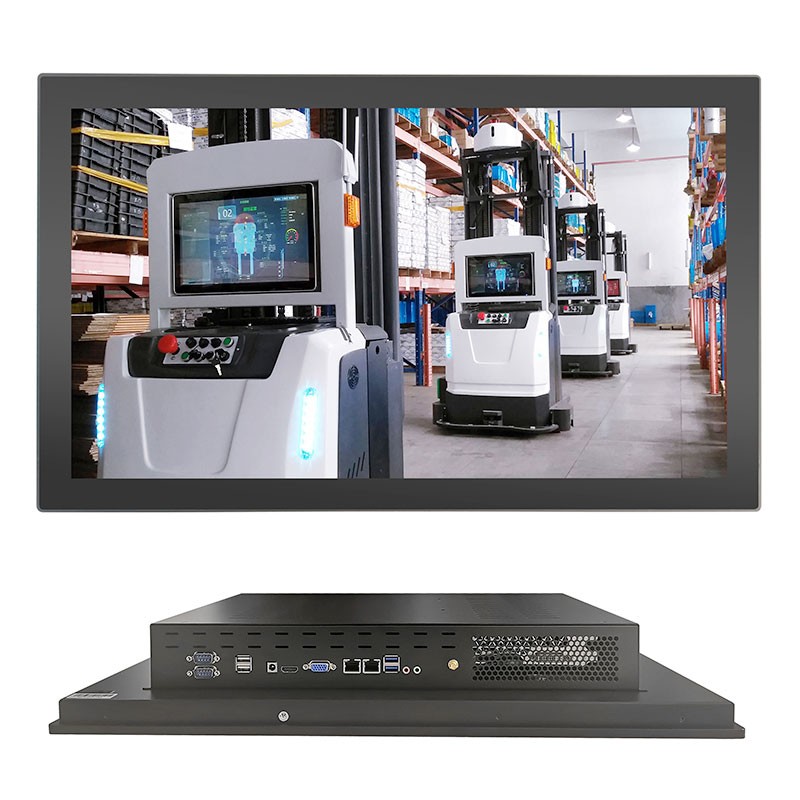
24 inch Touch Panel PC Core I5-9400 GPU GTX 1050
Intel Core i5-9400 desktop processor with RAM DDR4 8GB and SSD 128GB.
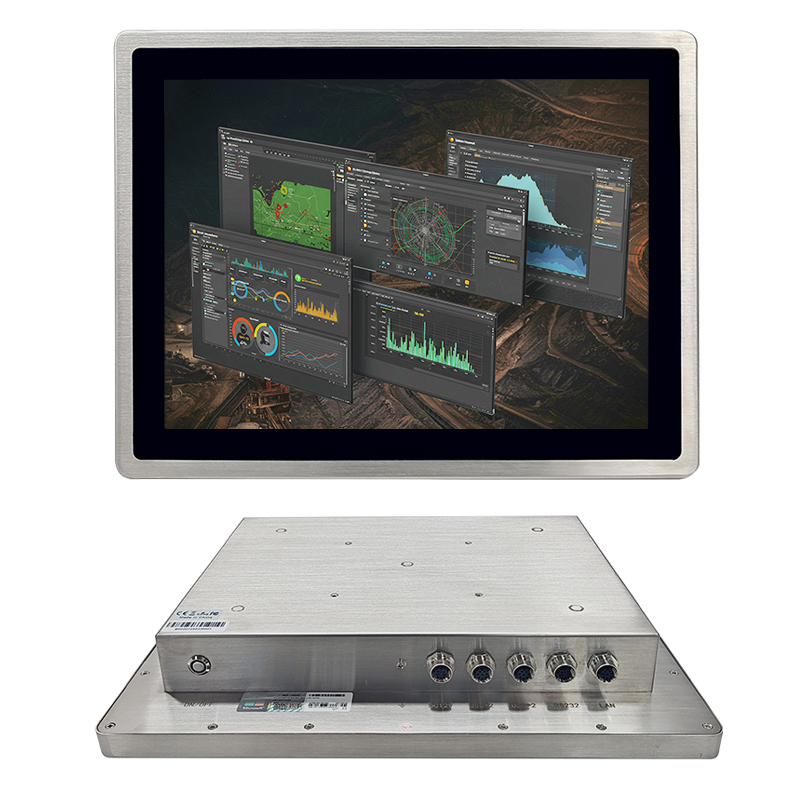
Industrial Panel PC IP69k Stainless Steel 304 Enclosure 7x24h
EETI waterproof solution, touch can work well with drop water on screen.

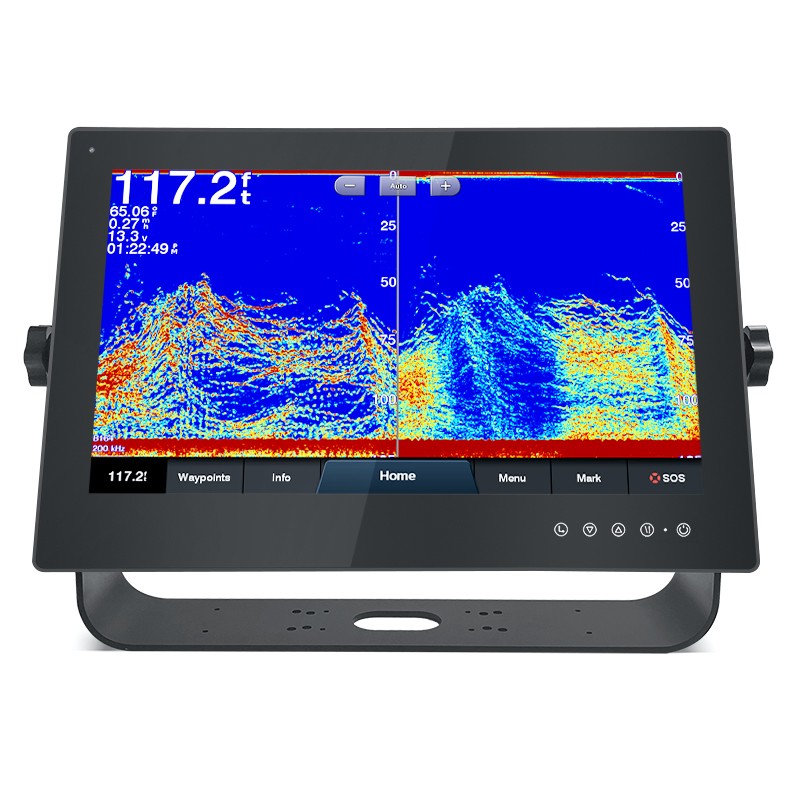
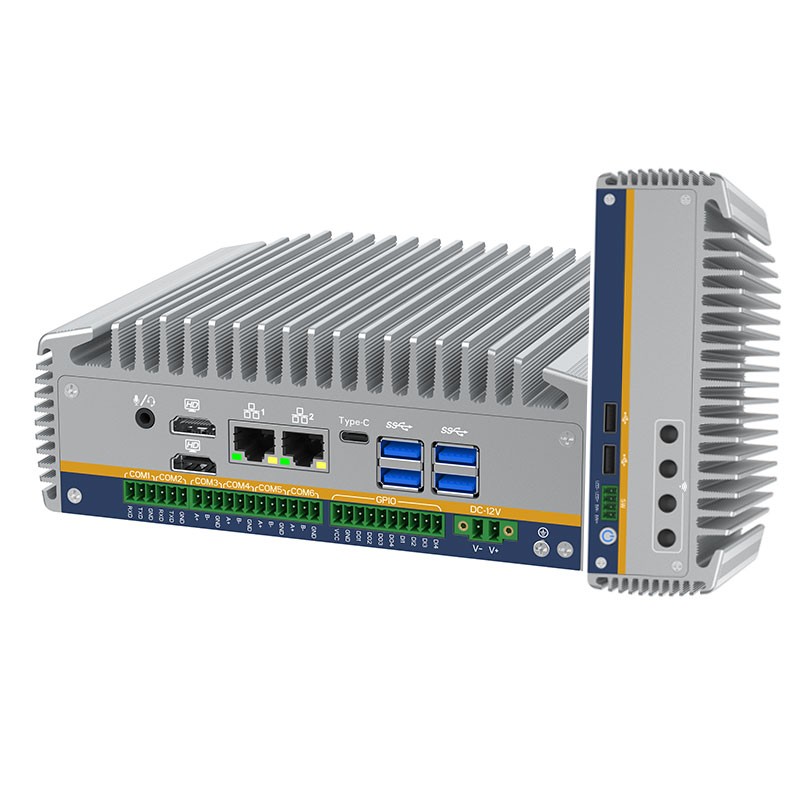
Intel Alder Lake 12th Processor Embedded Mini Computer 6COM 6USB
2*HD-MI,1*Type-C,support synchronous/asynchronous triple display.
17 Inch Full IP67 Waterproof All In One Panel PC 12th Intel Core I3-1215U
17" 1280*1024 LCD Panel 1000nits, Optical bonding between touch screen and LCD screen
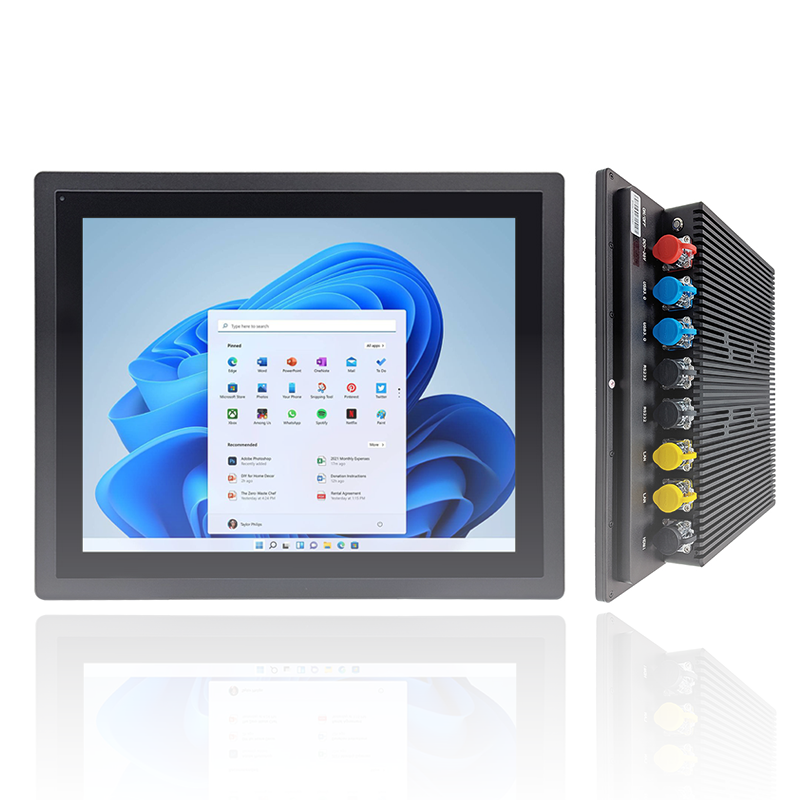
Industrial All In One PC Windows 11 pro SC800M
Intel 10th Celeron J4125/J6412 processor, optional Intel 8/10/11th Core i5/i7, support Windows 11.